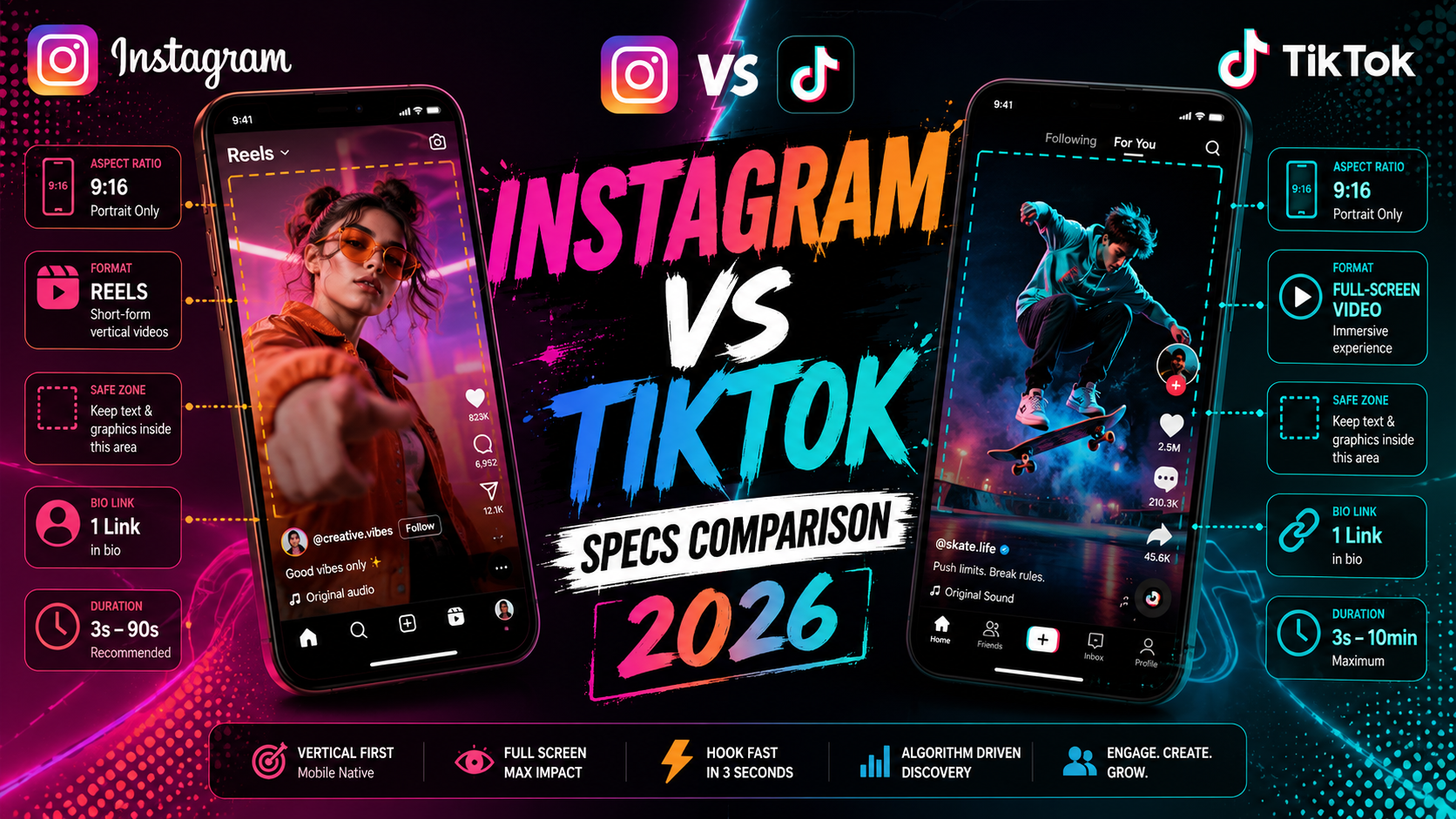
Instagram and TikTok are the two dominant platforms for visual and video content in 2026, and they're both chasing the same short-form video format. But they have meaningfully different technical requirements, audiences, and content strategies. This head-to-head covers every spec you need to create content for both.
At a Glance: Key Differences
| Spec | TikTok | |
|---|---|---|
| Primary format | Multi-format (feed, Reels, Stories) | Vertical video (feed) |
| Video aspect ratio | 9:16, 1:1, 4:5 | 9:16 (strongly preferred) |
| Max video duration | 15 min (Reels), 60 min (feed) | 10 minutes |
| Max video file size | 4 GB | 4 GB |
| Image post support | Yes — feed, carousel, Stories | Yes — photo slideshows |
| Character limit (bio) | 150 characters | 80 characters |
| Link in bio | 1 link (or link tree) | 1 link |
| Algorithm | Interest + social graph | Interest-first (viral potential higher) |
Video Specs Compared
Both platforms are built around vertical 9:16 video. On TikTok, this is essentially the only format that performs. Instagram supports multiple ratios but Reels in 9:16 gets the most reach.
| Spec | Instagram Reels | TikTok Feed Video |
|---|---|---|
| Recommended resolution | 1080×1920 px | 1080×1920 px |
| Aspect ratio | 9:16 | 9:16 |
| Minimum resolution | 500×888 px | 720p recommended |
| Max duration | 15 minutes | 10 minutes |
| Min duration | 3 seconds | 1 second |
| Max file size | 4 GB | 4 GB |
| Recommended codec | H.264 / MP4 | H.264 / MP4 |
| Frame rate | 23–60 fps | 23–60 fps |
| Audio | AAC, 44.1 kHz | AAC, 44.1 kHz |
| UI safe zone (top) | ~14% of height | ~15% of height |
| UI safe zone (bottom) | ~35% of height | ~20% of height |
Safe zone tipInstagram covers more of the bottom of the frame with its action buttons and caption. TikTok covers more of the right side with reaction buttons. For cross-posting the same video to both, keep your subject and key text in the center 60% of the frame.
Image Post Specs Compared
| Spec | TikTok | |
|---|---|---|
| Square image | 1080×1080 px | 1080×1080 px |
| Portrait image | 1080×1350 px (4:5) | 1080×1350 px (4:5) |
| Landscape image | 1080×566 px | 1920×1080 px (16:9) |
| Max file size | 8 MB | 20 MB |
| Supported formats | JPG, PNG | JPEG, PNG, WEBP |
| Carousel / slideshow | Up to 10 images | Up to 35 images |
| Alt text / captions | Yes | Yes |
Profile Setup Specs
| Spec | TikTok | |
|---|---|---|
| Profile photo | 320×320 px (circle) | 200×200 px (circle) |
| Username length | 30 characters | 24 characters |
| Bio length | 150 characters | 80 characters |
| Links in bio | 1 (+ link sticker in Stories) | 1 |
| Verified badge | Yes | Yes |
| Business account | Yes — Creator/Business | Yes — Business |
Stories Specs Compared
| Spec | Instagram Stories | TikTok Stories |
|---|---|---|
| Resolution | 1080×1920 px | 1080×1920 px |
| Aspect ratio | 9:16 | 9:16 |
| Max duration (video) | 60 seconds | 15 seconds per clip |
| Max file size | 4 GB | — |
| Duration in feed | 24 hours | 24 hours |
| Link stickers | Yes (all users) | Yes |
| Poll / quiz stickers | Yes | Yes |
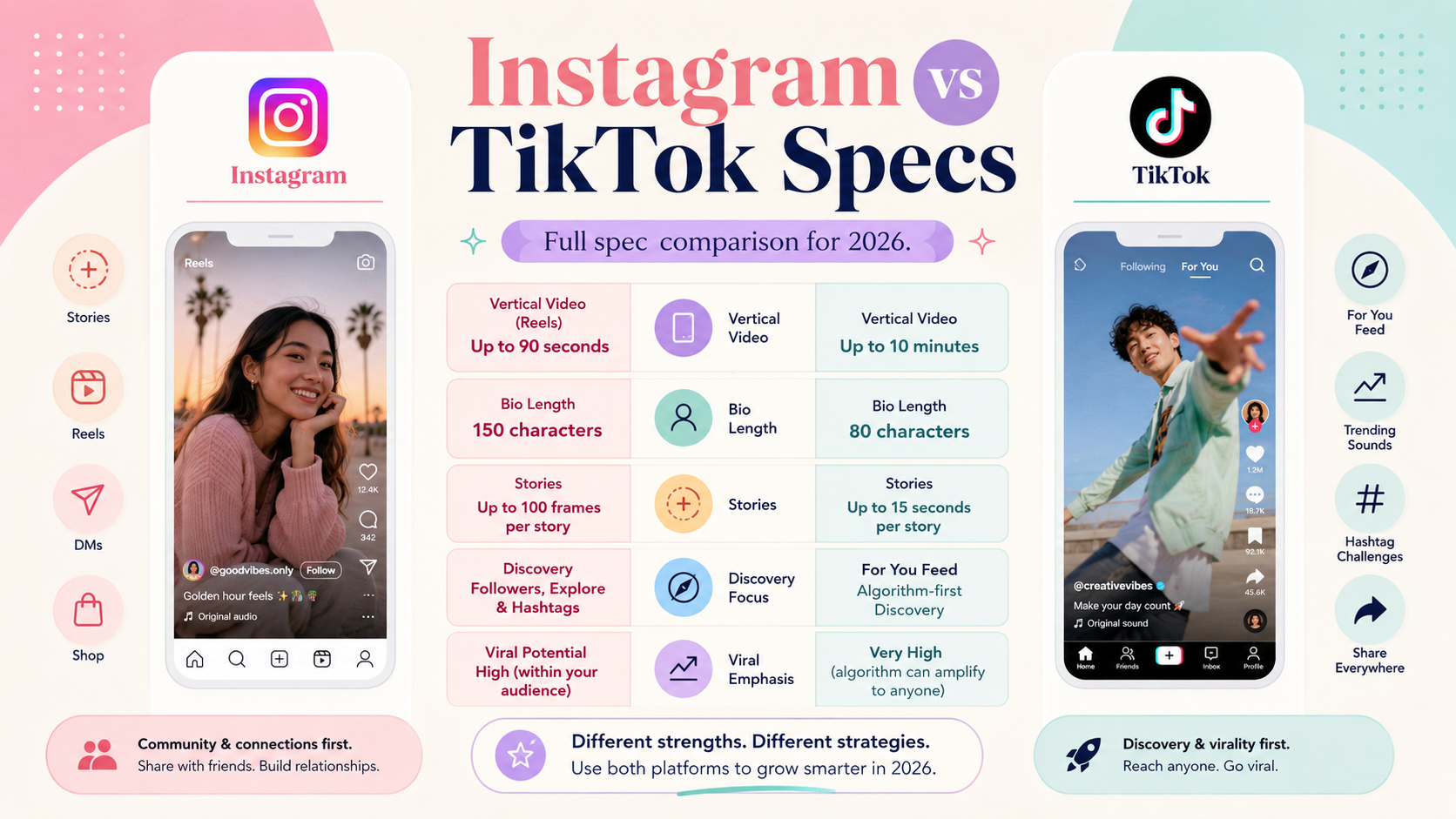
Safe zones differ between platforms — Instagram covers more of the bottom, TikTok more of the right side
Which Platform Should You Prioritize?
The right answer depends entirely on your audience and content style:
- Choose Instagram if you need multi-format content (photos, carousels, and video), have an established follower base you want to nurture, or target a slightly older demographic (25–44).
- Choose TikTok if discovery and reach are your primary goal, your content is entertainment-first, or you're targeting a younger audience (18–34).
- For most brands and creators, both platforms are worth maintaining. A common workflow is to film in 9:16 at 1080×1920, then edit two versions: one with TikTok-optimized safe zones and one with Instagram Reels-optimized safe zones.
Cross-postingUploading a TikTok video directly to Instagram (with the TikTok watermark) suppresses reach on Instagram. Use a watermark removal tool or export from your original editing software for both platforms separately.